
Download the Bpexch App for Android
The Bpexch Android app lets you deposit, withdraw, follow your requests and chat with support from your phone, using the same login as the website.
How to install
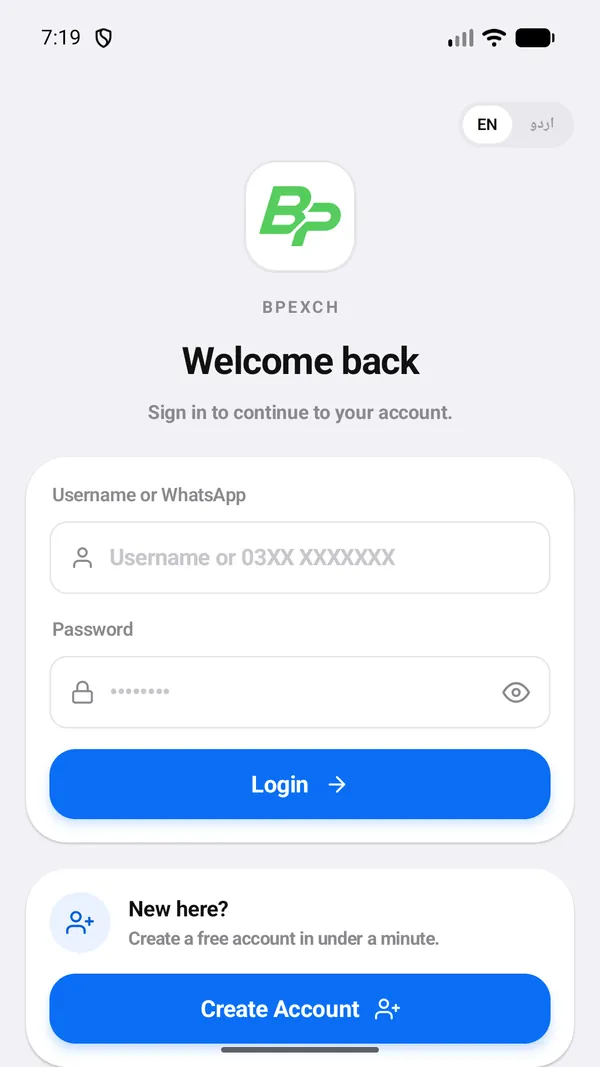
- Open the download link. Use the button below, or tap Download Android App on the login page.
- Tap Install and wait for the download to finish.
- Open Bpexch and log in with the same username and password you use on the website. You do not need a new account.
What you can do in the app
- Submit deposits with a receipt photo from your gallery
- Request withdrawals and save payout proofs to your photos
- See notifications when a request is approved or rejected
- Chat with support
- Switch between English and Urdu
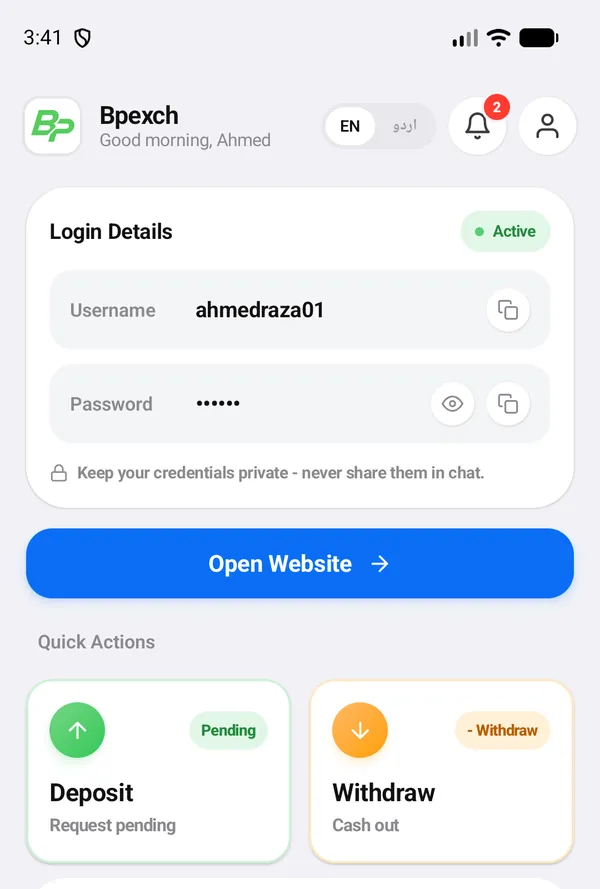
Video: how to use the app
This 2-minute video walks through the app with a demo account: logging in, the home screen, a deposit, a withdrawal, history, notifications and switching to Urdu.
Install safely
- Download only from the link on bpexchc.com or the official store listing.
- Do not install copies sent by strangers on WhatsApp or Telegram.
- Keep the app updated for the latest fixes.
Prefer the browser?
Everything also works at bpexchc.com/login on any phone or computer.
Common questions
Is the app free?
Yes. The app is free to download and use.
Do I need a new account for the app?
No. Log in with the same username and password you use on the website.
Is there an iPhone app?
Use bpexchc.com in Safari. The website works on iPhone with the same features.
Roman Urdu mein sawal jawab
Bpexch app kaise download karen?
Login page par Download Android App dabayen, app install karen, phir website wale username aur password se login karen.
Kya app ke liye naya account banana parega?
Nahi. Website wala username aur password hi app mein chalta hai.
iPhone par Bpexch kaise use karen?
iPhone par Safari mein bpexchc.com kholen. Website mein app wale saare features hain.